

stillOS.
Calm by Design.
Ready for Real Work.

We got annoyed with Windows making us the product, and Linux being too complicated. So we made stillOS.

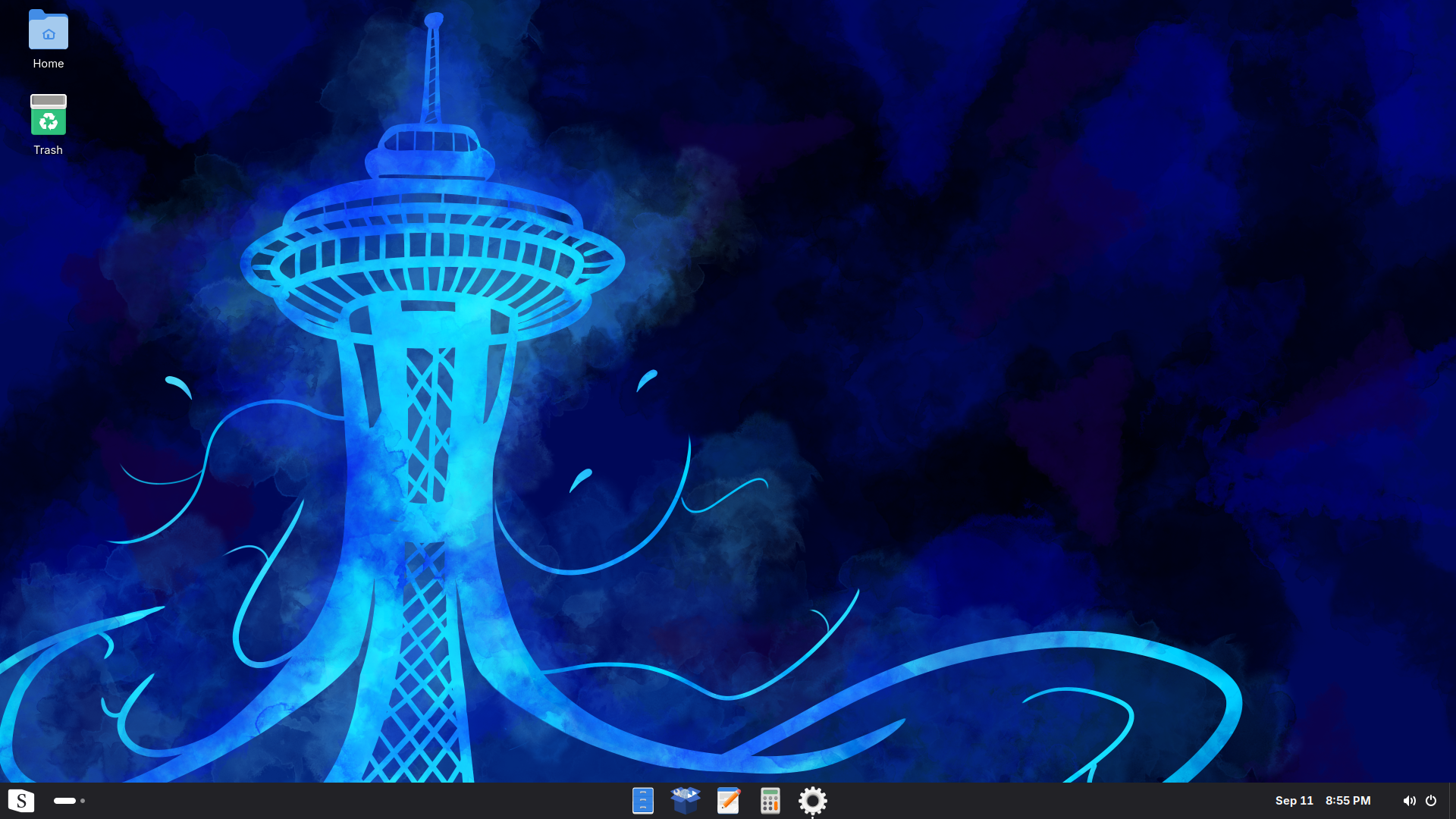
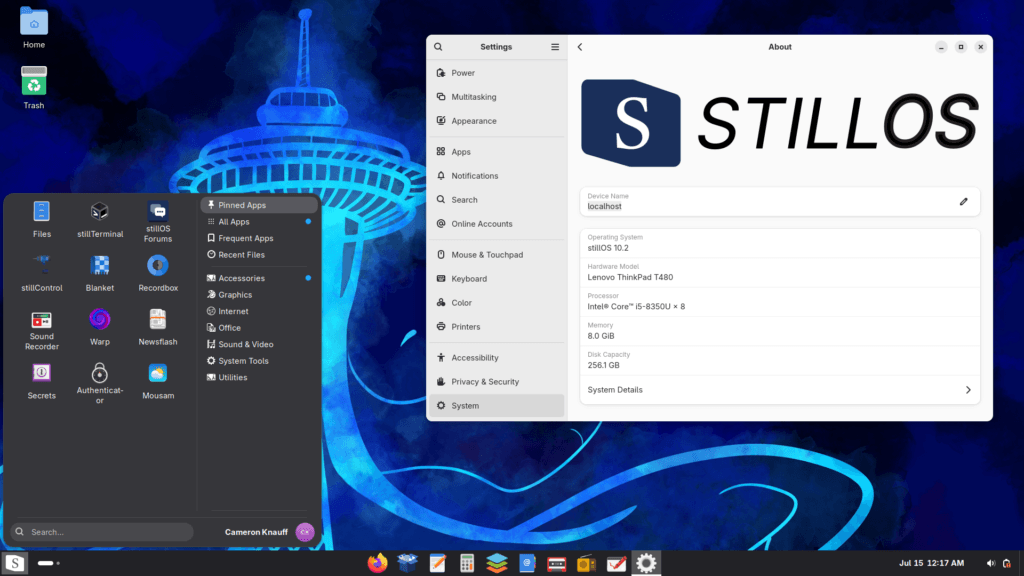
stillOS 10.2 desktop with the default taskbar.

Native-like Web Apps.

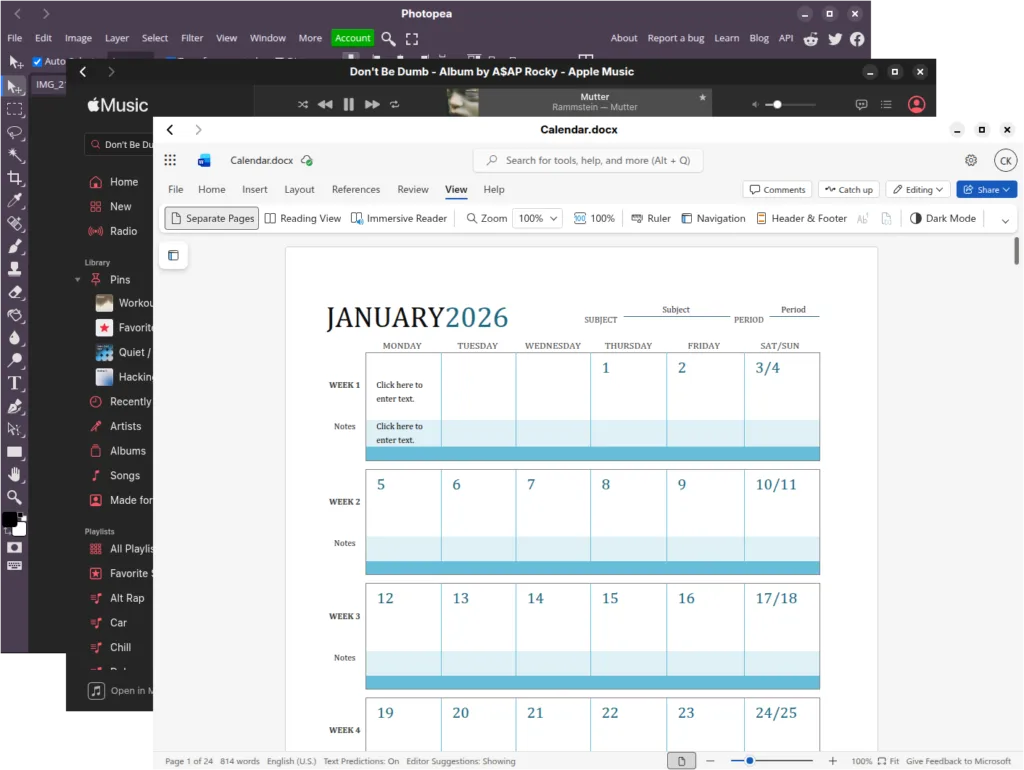
Thanks to our Electron-based web app runtime called SWAI, web apps integrate into OS as if they’re native apps. This gives you a much better experience for popular web applications such as Google Docs, Microsoft Office Online, Photoshop Web, Apple Music, and many other great web apps. Web apps in the same ecosystem can even open each other. For example, inside the SWAI app for Google Drive, if you open a Google Doc, it opens in the Google Docs app.

Web applications running in their own SWAI windows on stillOS.

Make stillOS your own.

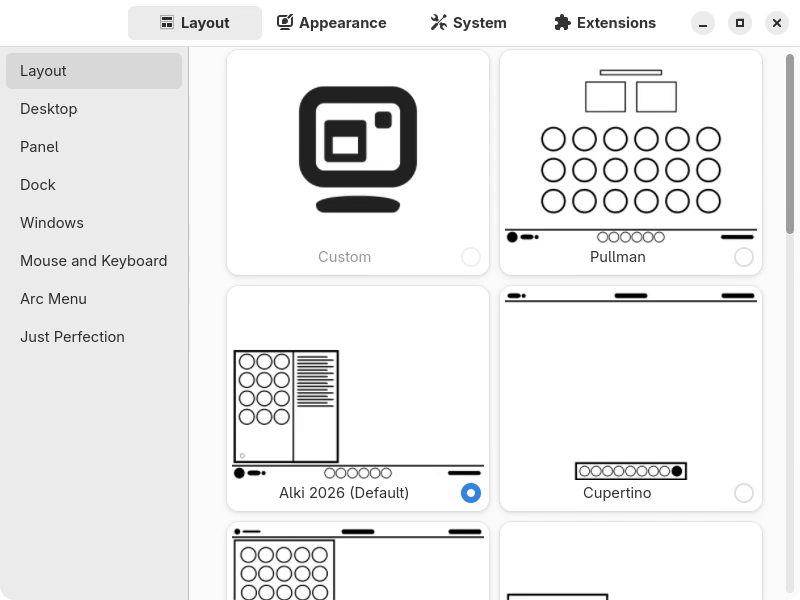
Choose a desktop layout, manage GNOME extensions, and adjust your taskbar in stillControl. You can now manage startup apps there too.

stillControl showing its desktop layout choices and fixed navigation sidebar on stillOS.

stillCenter.

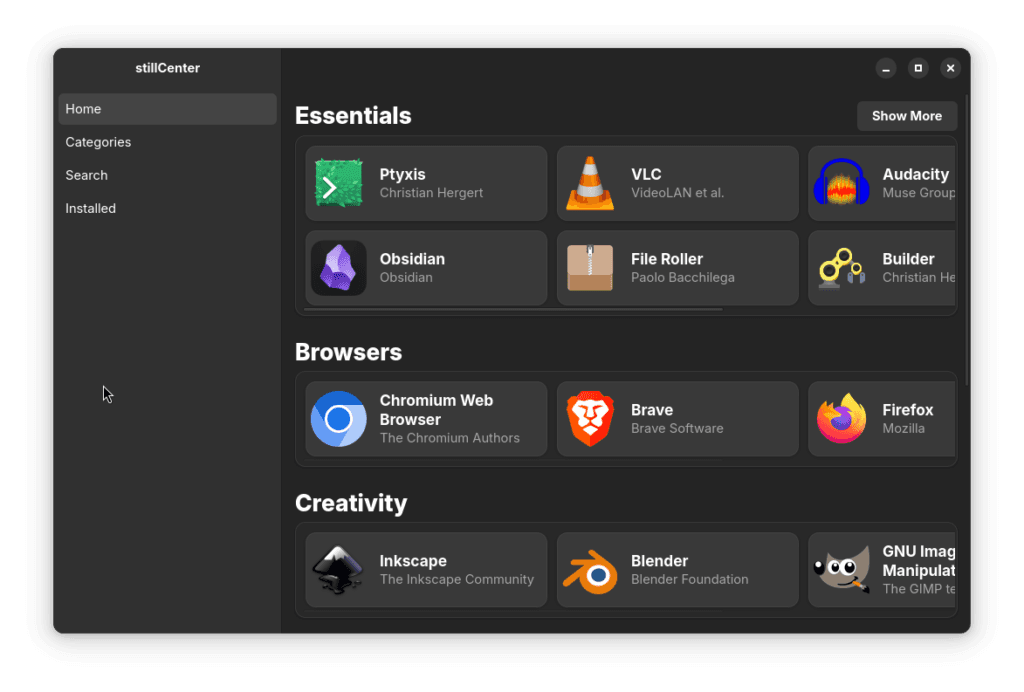
stillOS comes with a curated app store called stillCenter to ensure quality apps are available for stillOS. stillCenter is designed to make installing and discovering new desktop and web apps as easy possible. Most apps come with a stillRating that grade how well they work with stillOS to ensure a good user experience.

Archived stillCenter catalog showing Essentials, Browsers, and Creativity app groups.

Technical Specs 4 The Nerds

AlmaLinux 10 + bootc

stillOS is built on AlmaLinux 10 with atomic system updates powered by bootc. Automatic OS and Flatpak app updates keep everyday maintenance simple.

GNOME

stillOS uses core GNOME 49 components and Adwaita fonts. stillControl brings desktop layouts and extension management together so you can choose how you work.

Modern Terminal Experience

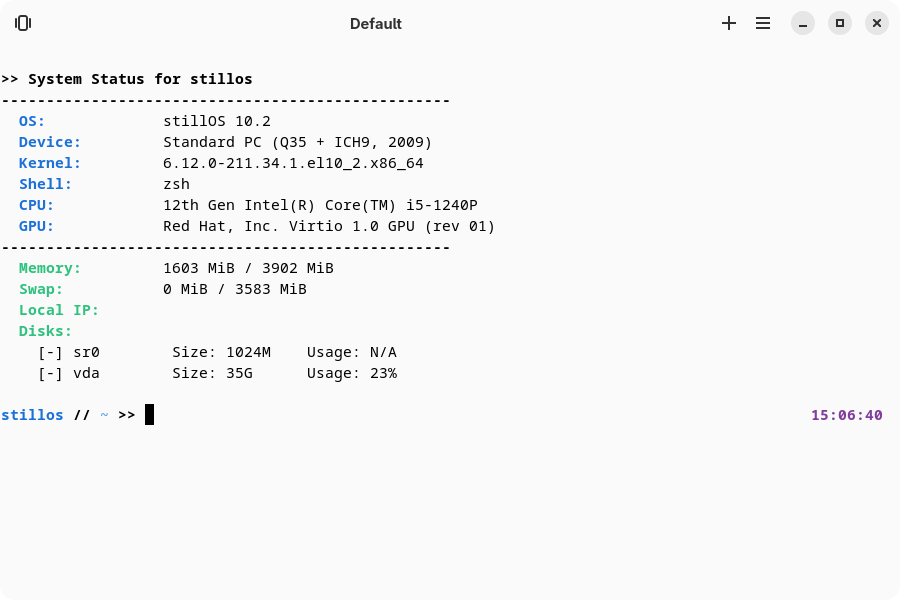
stillTerminal combines our ZSH configuration with DistroBox containers and SSH connections. “Open in Current Directory” lets you open a terminal without losing your place.

stillTerminal default launch showing the still-fetch system summary and native stillos ZSH prompt.

News

Download

stillOS 10.2

More Download Options, Including Torrents, Coming Soon!

Recommended System Requirements

Processor
2GHz quad core x86_64_v3 processor (Intel or AMD 64 bit CPU Required)
Graphics
NVIDIA Pascal GPU or above, or any AMD/Intel GPU
Memory
4GB System Memory
Storage
25GB of Disk Space (SSD Recommended)
Boot
UEFI (Legacy Boot Not Supported)
Secure Boot Support Coming Soon.

Before you install

Back up your personal files first. Have a USB stick with at least 4 GB ready: creating the installer will erase everything on that USB drive.

Install stillOS

The installation guide walks you through writing the ISO to USB, booting the installer, and setting up your desktop for the first time.

Read the installation guide

Need a hand?

You don’t need to figure it all out alone. Look through the docs or ask the community when you get stuck.

Join the stillHQ Community

We’re building a non-elitist Linux community where you don’t need to be an expert to belong. Ask questions, share what you’re learning, participate in community events, and help us make stillOS better.

Talk and learn

Build with us

Good ideas come from all kinds of people. Code isn’t the only way to help.

Support the work

If stillOS makes your day a little easier, you can help keep its development going.

Always optional. You’re part of the community whether you contribute money, time, or just a friendly hello.